Caregiver App Vs Group Texts and Spreadsheets: Which Is Better For Coordinating Elder Care?

You know the feeling. Your phone buzzes at 2 PM. Then again at 2:03. And 2:07. Your family group chat is blowing up again.
"Did Mom take her blood pressure medication this morning?"
"I thought you were handling that?"
"Wait, I updated the spreadsheet yesterday. Did anyone check it?"
"Which spreadsheet?"
Sound familiar? If you're coordinating care for an aging parent or loved one, you've probably lived this exact moment. Multiple times. The scramble through old texts. The outdated spreadsheet. The creeping worry that something important slipped through the cracks.
Here's the truth: group texts and spreadsheets weren't designed for caregiving. They're tools we've borrowed because they were already on our phones. But borrowing tools built for other purposes often creates more stress than it solves.
Let's talk about what actually works.
The Group Text Problem
Group texts feel easy at first. Everyone's already there. No new apps to download. Just type and send.
But caregiving isn't a casual conversation. It's ongoing. It's detailed. It involves medications, appointments, dietary needs, and daily routines that change over time.
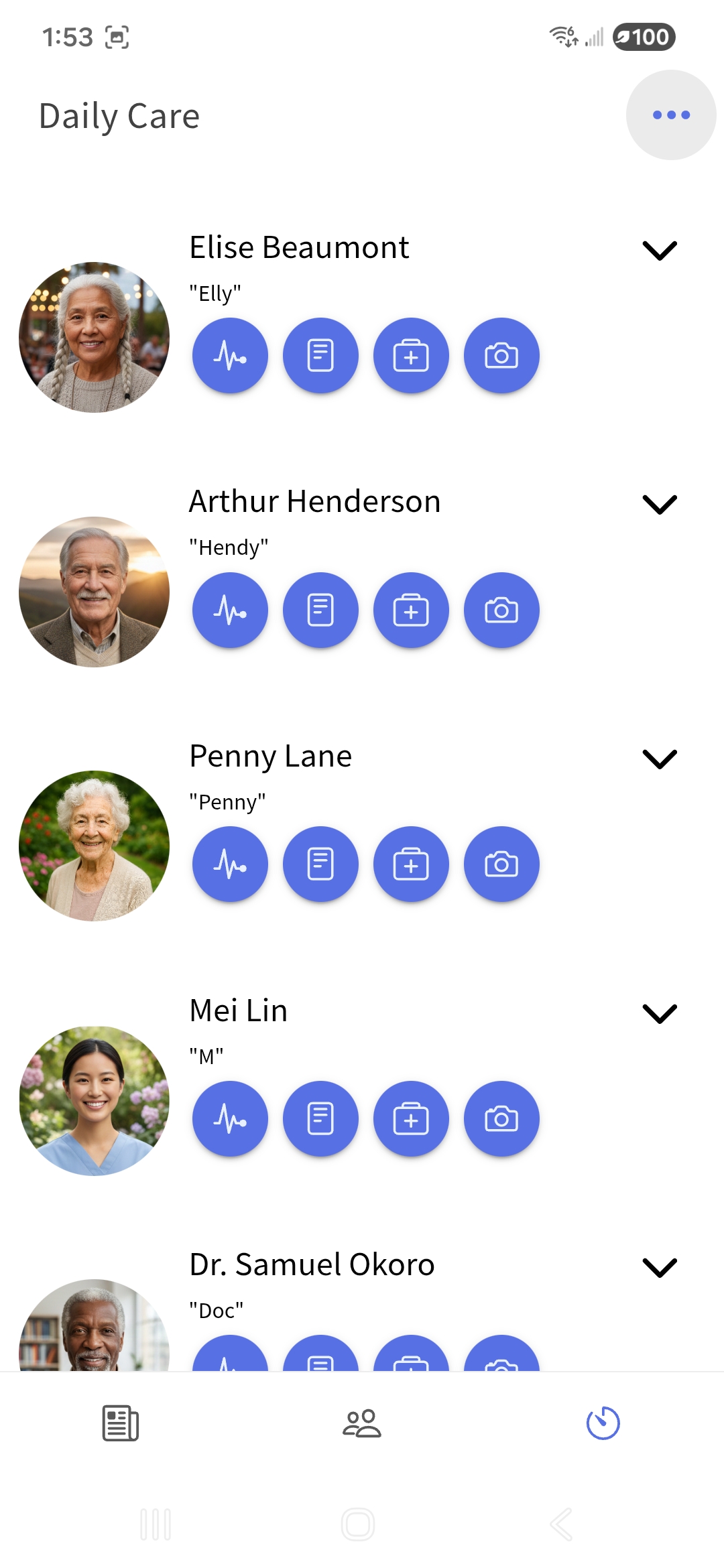
Here's what happens with group texts:
Important messages get buried. Your sister shares a critical update about Dad's new prescription. Two hours later, it's lost under fifteen messages about who's bringing dinner on Sunday.
No one knows who's responsible. Without clear task assignments, everyone assumes someone else is handling it. Or worse, three people show up to the same appointment while another task goes completely forgotten.
You're always playing catch-up. New family members or hired caregivers joining the conversation have to scroll through hundreds of messages to understand what's happening. Most won't. They'll just ask again, and the cycle repeats.
Sensitive information floats around unsecured. Medical details, doctor's notes, prescription names, all sitting in a regular text thread that anyone could screenshot or accidentally forward.
Group texts create noise. And noise creates anxiety.
The Spreadsheet Struggle
Okay, so maybe your family got organized. Someone created a shared spreadsheet. Medication schedules in one tab. Appointments in another. A rotating care schedule in a third.
It felt like progress. For about a week.
Then reality set in.
Spreadsheets don't send reminders. That 9 AM medication? The spreadsheet knows about it. But it won't tap your shoulder when the time comes. You have to remember to check it. Every single time.
Version control becomes a nightmare. Did your brother update the Tuesday schedule? Is this the latest version? Why does the link keep asking you to request access?
They're not built for real-time. Spreadsheets work great for static information. But caregiving is dynamic. Medications change. Appointments get rescheduled. Someone has a bad night and the whole day shifts. By the time you update the spreadsheet, the moment has passed.
Mobile access is clunky. Ever tried editing a spreadsheet on your phone while standing in a pharmacy? It's not fun. Small text. Tiny cells. Pinch and zoom just to find the right row.
Spreadsheets feel organized. But they don't actually reduce the mental load. They just move it somewhere else.
What a Family Caregiver App Actually Does
A dedicated caregiver app changes the game. Not because it's fancier. Because it's built specifically for this.
Think about it. You wouldn't use a hammer to turn a screw. So why use generic tools for something as important as caring for your loved one?
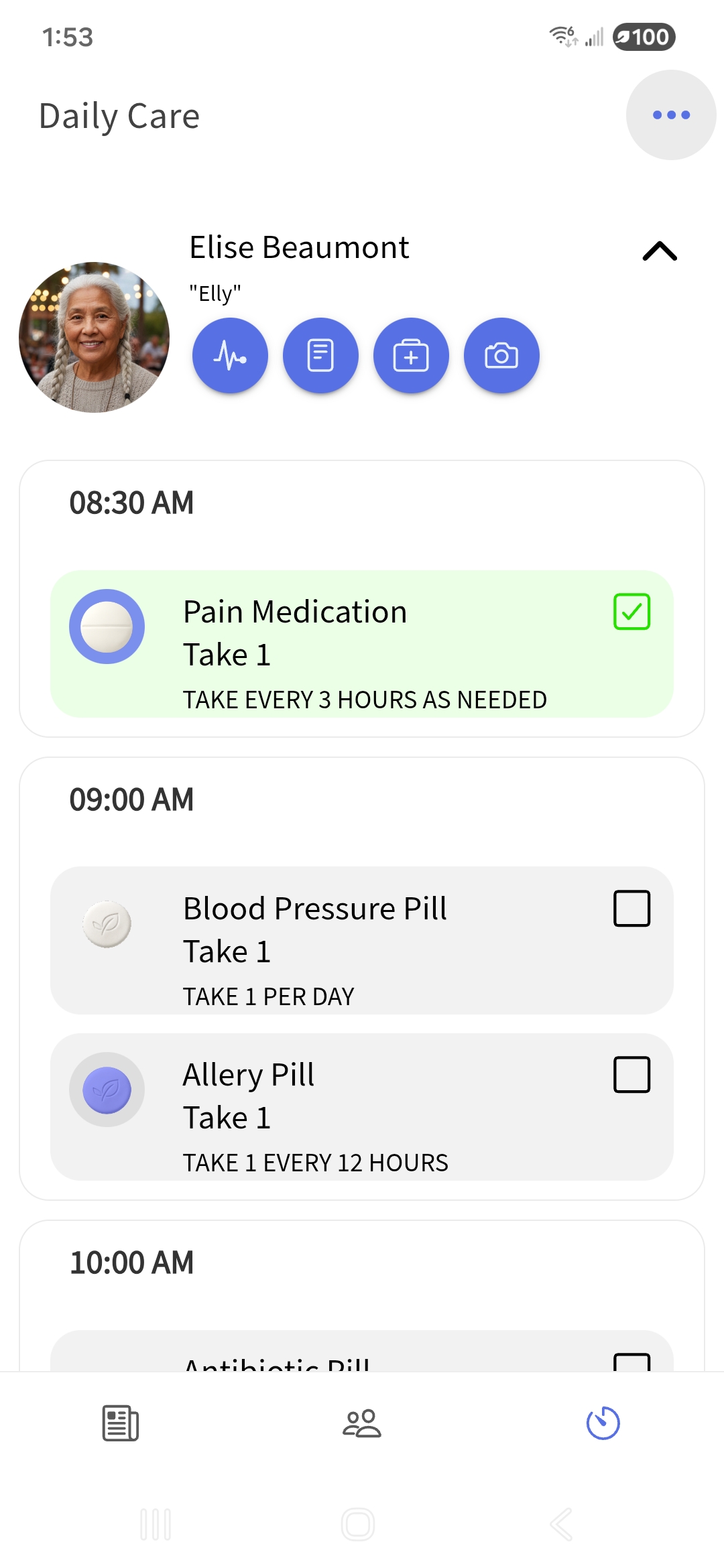
Here's what changes when you use a proper family caregiver app:
One Place for Everything
No more hunting. Medications, appointments, care notes, documents: all in one spot. Everyone on the care team sees the same information. No conflicting versions. No outdated tabs. Just clarity.
When something changes, it updates for everyone instantly. That's it. Simple.
Tasks That Actually Get Done
Assign a task. Set a time. The right person gets notified. When it's complete, everyone knows.
No more "I thought you were handling that." No more duplicate efforts. No more gaps.
Real-Time Updates That Bring Peace of Mind
This is the big one. Especially for families spread across different cities or time zones.
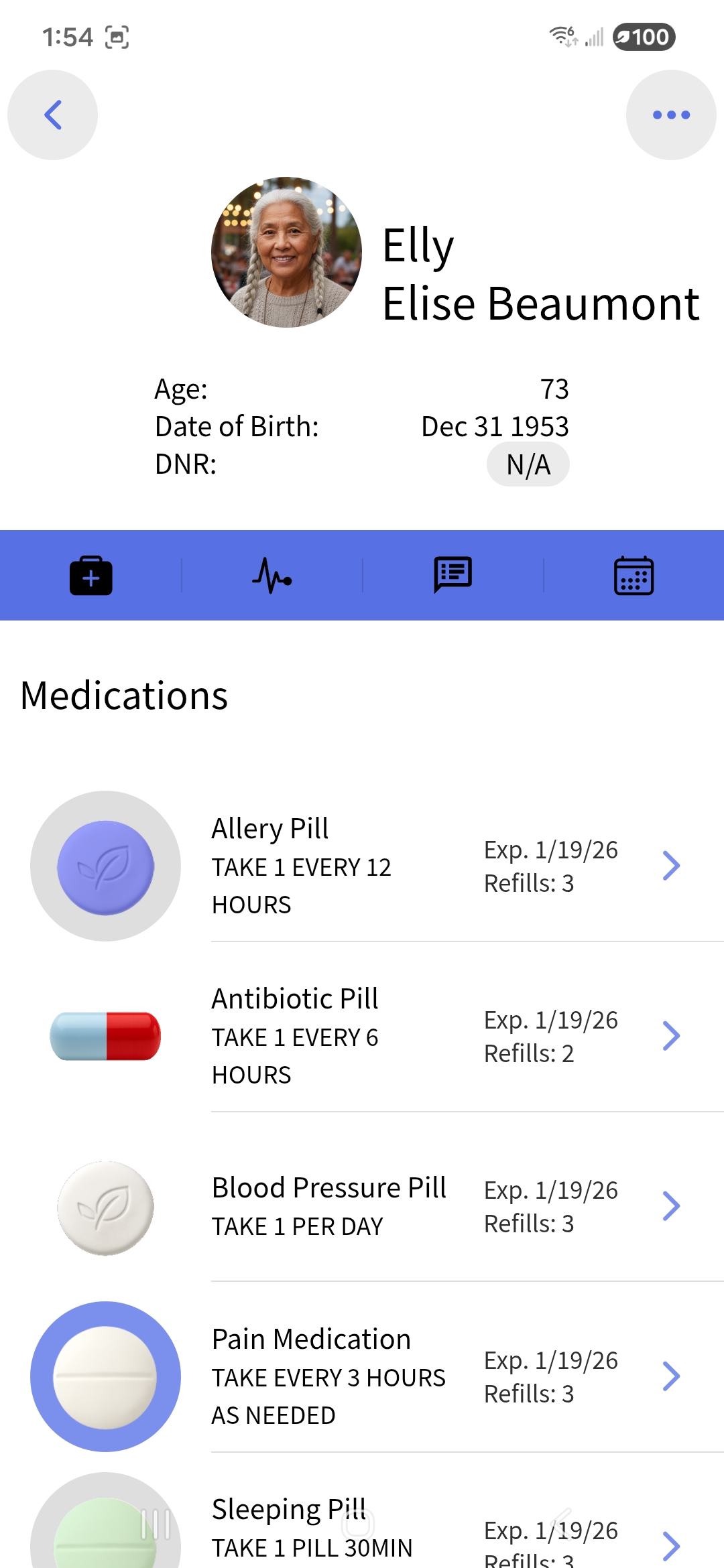
Remote caregiving tools let you stay connected without constant check-ins. Your mom took her medication this morning? You'll see it. Your dad had a rough night? The overnight caregiver can log a note, and you'll know before your morning coffee.
You don't have to wonder. You don't have to text and wait. The information comes to you.
That's not just convenient. That's peace of mind.
Secure and Private
Health information deserves protection. A good caregiver app keeps sensitive details in a secure, private space: not floating around in a group chat that could be screenshotted or accidentally shared.
You control who sees what. Family members, professional caregivers, even healthcare providers can access what they need without compromising privacy.
The Mental Load Factor
Let's talk about something that doesn't show up in feature lists: the weight you carry.
Coordinating care is exhausting. Not just physically, but mentally. The constant checking. The worrying. The feeling that you might have forgotten something important.
Scattered tools make this worse. Every text thread you have to check. Every spreadsheet you have to update. Every mental note you have to keep track of. It all adds up.
A unified caregiver app lightens that load. Not because it does the caregiving for you. But because it holds the information so you don't have to hold it all in your head.
Shared calendars. Medication tracking. Document storage. Appointment reminders. All working together, so you can focus on what matters most: being present with your loved one.
Making the Switch
Change feels hard. Especially when you're already stretched thin.
But here's the thing: the chaos of group texts and spreadsheets isn't saving you time. It's costing you energy. Energy you could be spending on actual care. On actual connection.
A caregiver app isn't about adding another thing to manage. It's about replacing five things with one.
One app. One source of truth. One less thing to worry about.
Caregiving Is Hard Enough
You're already doing something incredibly meaningful. Caring for someone you love takes courage, patience, and heart.
You deserve tools that support you. Tools that bring your family together instead of creating more confusion. Tools that let you rest a little easier at night.
Group texts and spreadsheets got you this far. But they weren't built for this journey.
A dedicated caregiver app is.
When you're ready to trade the chaos for calm, the right tools are waiting.
Leave a Reply