How to Choose the Best Caregiver App for Your Family (Compared)

Caring for a loved one is one of the most meaningful things you'll ever do. It's also one of the most overwhelming.
Between coordinating schedules, tracking medications, updating family members, and making sure nothing slips through the cracks: it can feel like you're juggling a hundred things at once. And if you've ever sent a group text that turned into chaos, you know exactly what we're talking about.
That's where a good caregiver app comes in. The right tool can take the mental load off your shoulders and bring your whole care circle together. But with so many options out there, how do you choose the one that actually fits your family?
Let's walk through it together.
Why Families Are Turning to Caregiver Apps
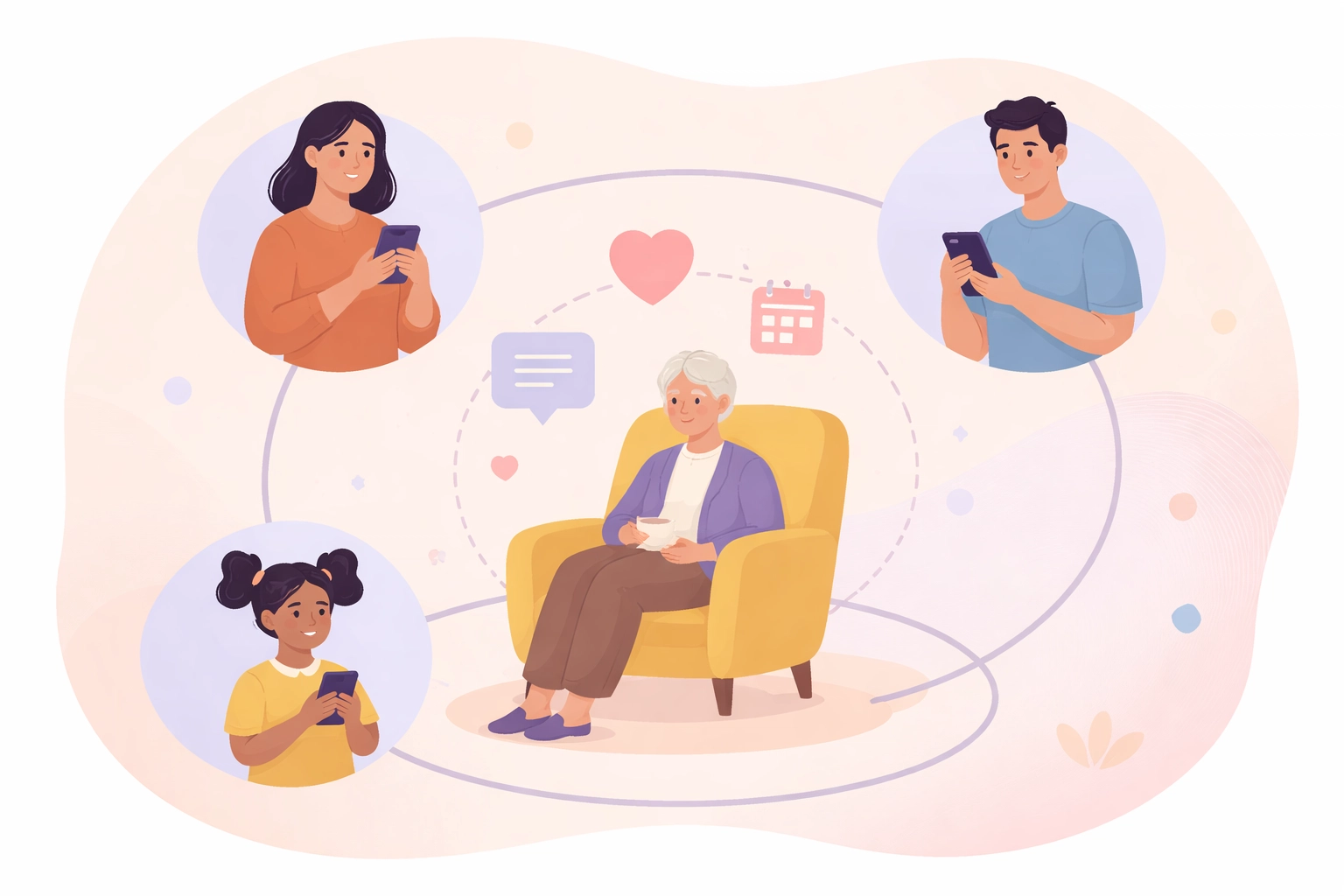
A decade ago, most families managed care with phone calls, sticky notes, and a whole lot of hope. Today, things are different. Families are often spread across cities: or even countries: and coordinating care from a distance isn't just common, it's the norm.
A family caregiver app gives everyone a shared space to stay in the loop. No more wondering if Mom took her medication. No more miscommunication about who's handling the doctor's appointment on Tuesday.
Here's what families are typically struggling with before they find a caregiving app:
- Missed tasks. Someone forgets to pick up a prescription. A therapy session gets skipped. Small things pile up.
- Lack of transparency. One sibling is doing most of the work, and the others don't even know what's happening day-to-day.
- Communication chaos. Group texts get buried. Important updates get lost in the noise.
- Caregiver burnout. When one person carries the load alone, exhaustion sets in fast.
Sound familiar? You're not alone. And thankfully, there's a better way.
What to Look for in a Caregiver App
Not all caregiver apps are created equal. Some are built for professional agencies. Others focus only on medication tracking. The best elder care app for your family will depend on what you actually need most.
Here are the key features worth considering:
1. Real-Time Updates
This is the big one. You want an app that keeps everyone informed as things happen: not hours later. When a caregiver logs a visit or a task gets completed, the whole care circle should see it right away.
Real-time updates eliminate the guessing game. They create transparency. And they give distant family members peace of mind, even when they can't be there in person.
2. Shared Communication
Forget the group chat mess. A dedicated communication space within the app keeps all care-related conversations in one place. Updates, questions, photos: everything stays organized and easy to find.
This is especially helpful when multiple people are involved in care. Everyone stays on the same page without the back-and-forth confusion.
3. Task Management and Reminders
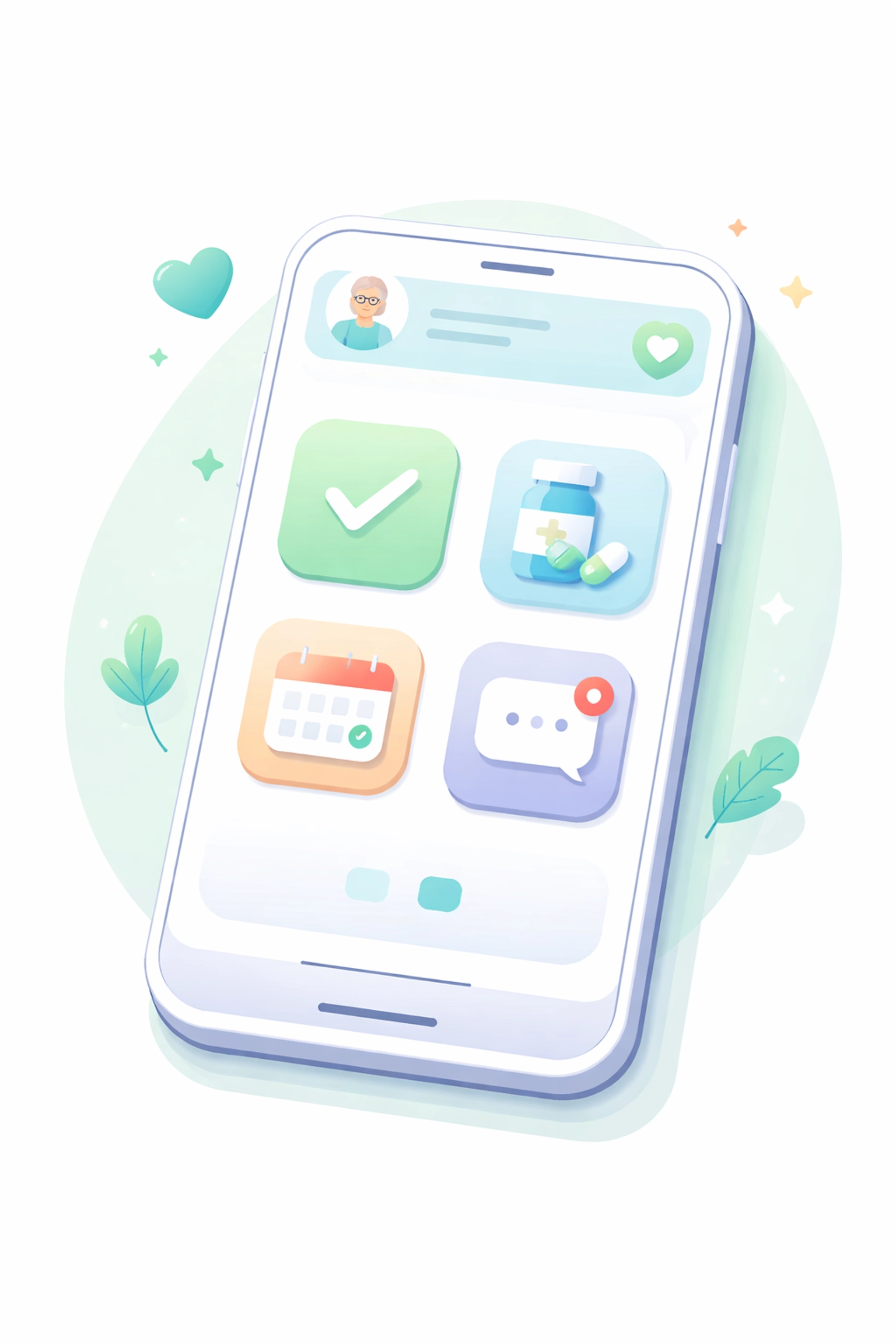
Caregiving involves a lot of moving pieces. Medications, appointments, grocery runs, therapy sessions. A good caregiver app lets you assign tasks, set reminders, and check things off as they're done.
No more wondering if something got handled. No more things slipping through the cracks.
4. Ease of Use
This might be the most underrated feature. If the app is complicated, people won't use it. Look for something intuitive: something your tech-savvy sibling and your not-so-tech-savvy aunt can both navigate without frustration.
5. Availability on iOS and Android
Your care circle probably uses a mix of devices. Make sure whatever app you choose works on both iPhone and Android so no one gets left out.
Common Mistakes When Choosing a Caregiver App
Before you download the first app you find, let's talk about a few pitfalls to avoid.
Mistake #1: Choosing an app built for agencies, not families.
Some apps are designed for professional home care businesses. They're packed with features like billing, employee scheduling, and compliance tracking. Great for agencies: overwhelming for families who just want to coordinate care for Mom.
Mistake #2: Picking an app that only does one thing.
Medication trackers are helpful. Calendar apps are useful. But if you're using five different tools to manage care, you're creating more work for yourself. Look for something that brings it all together.
Mistake #3: Ignoring the communication piece.
Coordination isn't just about tasks: it's about conversation. If the app doesn't have a built-in way to share updates and stay connected, you'll end up back in the group text chaos.
Mistake #4: Forgetting about the care recipient.
Some apps are designed only for caregivers. But what about the person receiving care? The best family caregiver apps keep them in the loop too, respecting their dignity and involvement in their own care.
Questions to Ask Before You Commit
Still not sure which caregiver app is right for you? Here are a few questions to help you narrow it down:
- What's our biggest pain point? Is it missed tasks? Poor communication? Lack of visibility? Start there.
- How many people need access? Make sure the app supports your entire care circle: siblings, spouses, professional caregivers, even close friends who help out.
- Is it easy to set up? You don't want to spend hours configuring something. The best apps get you started quickly.
- Does it work on everyone's devices? Again: iOS and Android compatibility is a must.
- What's the cost? Some apps are free with limited features. Others charge a subscription. Know what you're getting into.

How CaresFor Stacks Up
We'll be honest: we built CaresFor because we saw families struggling with exactly these challenges. And we wanted to create something that actually helped.
Here's what makes CaresFor different:
Real-time updates. When something happens, everyone knows. No delays. No uncertainty.
Shared communication. One place for all your care conversations. Updates, photos, questions: all organized and easy to access.
Task reminders. Assign tasks, set reminders, and track what's getting done. Nothing falls through the cracks.
Built for families. We're not a repurposed agency tool. CaresFor was designed from the ground up for families coordinating care together.
Available on iOS and Android. Everyone in your care circle can join, no matter what phone they use.
And perhaps most importantly: it's simple. We kept it that way on purpose. Because when you're already juggling a lot, the last thing you need is a complicated app.
Bringing Your Care Circle Together
At the end of the day, choosing a caregiver app isn't about finding the one with the most features. It's about finding the one that fits your family.
The right elder care app should make coordination easier, not harder. It should bring your care circle together instead of adding more noise. And it should give you something priceless: peace of mind.
You're doing meaningful work: caring for someone you love. You deserve tools that support you.
If you're ready to simplify caregiving and stay connected with the people who matter most, CaresFor is here to help. Download it today on iOS or Android, and see how it feels to have everyone on the same page.
Because caring is better when it's shared.
Leave a Reply